
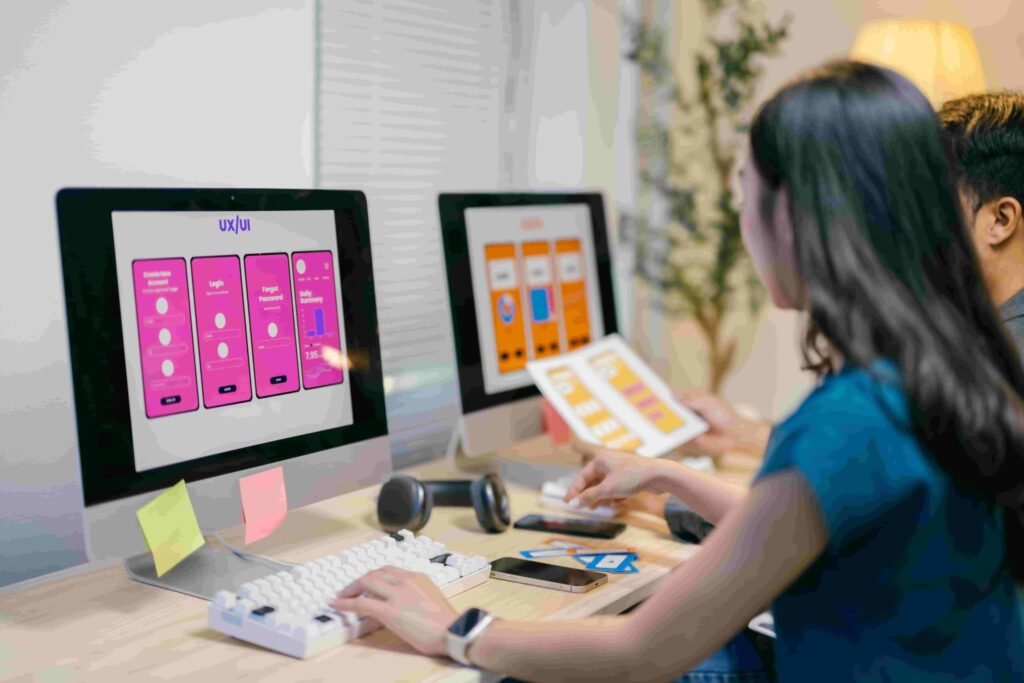
In digital technology, UI/UX design combines UI design and UX design to craft interfaces that are both visually appealing and highly functional. This synergy supports software development, IT services, cloud products, and automation tools, improving user satisfaction and operational efficiency.
Immersive 3D and Interactive Elements
Embracing interactive 3D visuals elevates digital dashboards and web portals. Modern browser technologies like WebGL, AR/VR, and spatial interfaces introduce depth and realism, helping users better visualize system architecture, complex data, or workflows. Incorporating these elements enhances engagement and supports deeper understanding within enterprise tools.
Micro‑Interactions and Motion Feedback
Micro‑interactions bring interfaces to life through subtle animations—button transitions, loading indicators, hover effects—which reinforce user actions and reduce cognitive load. These interactions streamline UI behavior in software development environments by providing instant visual or tactile feedback, improving trust and clarity and Google Gemini run locally—boosting privacy and responsiveness
Kinetic Typography & Dynamic Motion
Dynamic text and motion design guide attention and create visual hierarchy. Animation techniques like scroll-triggered transitions or scaling typography enhance key messages and metrics. These methods add clarity by visually emphasizing critical data in dashboards or alerts, reducing reliance on static text.
Accessibility and Inclusive Design
Inclusive design integrates high contrast text, adjustable fonts, clear labels, and seamless keyboard navigation. This approach aligns with updated accessibility regulations and ensures broader usability across diverse user groups. Prioritizing inclusive design improves user satisfaction and supports ethical, legally compliant software development.
AI‑Enhanced Personalization & Generative UI
AI‐driven UI customization delivers adaptive layouts responding to behavior, optimizing relevance. Generative UI systems facilitate rapid prototyping and interface generation through text or sketch inputs, bridging design and development gaps. Tools like Google’s Stitch automate UI creation and code export, empowering faster iteration.
Liquid Glass & Modern Design Languages
Apple’s Liquid Glass introduces transparent, glass-like surfaces with adaptive lighting effects across its OS ecosystem. This visual language demands updated API support and careful handling of readability concerns. Platforms like Android are also updating to “Material 3 Expressive” with richer animations and color theming. Adapting to these standards maintains interface relevance and enhances cross-platform coherence.
Design Systems and Consistency
Design systems consolidate reusable components, style guidelines, and documentation to streamline collaboration between designers and developers. Adoption of systems like Material, Fluent, or custom variants ensures cohesive styling, scalability, and faster deployment cycles in software development workflows.
Implementing Effective UI/UX Strategies
- User flow modeling helps map task-based navigation paths.
- Component-driven development ensures interface consistency.
- Prototype testing with feedback loops validates animations, layout clarity, and usability.
- Accessible design audits maintain compliance and inclusivity.
- AI-assisted design tools increase productivity and design accuracy.
- Platform-specific UI adaptation aligns with ecosystem trends like Liquid Glass or Material 3.
Conclusion
Emerging UI/UX design trends—interactive 3D visuals, intuitive micro‑interactions, kinetic typography, inclusive practices, AI personalization, transparent design languages like Liquid Glass, and structured design systems—are reshaping digital product excellence. Integrating these approaches supports development of intuitive, cohesive, and future-ready software. rebuild.rocksofttech.com/ can leverage these practices to deliver digital experiences that resonate in today’s fast-paced tech environment.